

How to Buy a Refurbished iPhone Safely: A UK Buyer’s Checklist
A refurbished iPhone can deliver the familiar Apple experience for considerably less than a new model. The key is to look beyond the headline price and check the phone, seller and after-sales support properly. This guide explains what UK buyers should verify before placing an order.
1. Buy from a seller that explains its refurbishment process
A trustworthy seller should explain how devices are inspected and tested. Useful checks include the display, cameras, speakers, microphones, buttons, charging port, Wi-Fi, Bluetooth, mobile connectivity and Face ID or Touch ID. Avoid listings that use “refurbished” without explaining what has actually been checked.
2. Understand the cosmetic grade
Grades such as A+, A, B and C usually describe appearance rather than performance. A higher grade should have fewer visible marks, while a lower grade may show scratches or scuffs but still work correctly. Because grading standards differ between retailers, always read the seller’s own definitions and the individual product description.
3. Check the battery information
Battery health affects how long an iPhone lasts between charges. On compatible models it can be viewed under Settings > Battery > Battery Health & Charging. Before buying, check whether the retailer states a minimum battery standard, tests battery performance or offers battery replacement options. Remember that battery health is only one indicator; age, temperature, apps and usage patterns also affect daily runtime.
4. Confirm the iPhone is unlocked
An unlocked iPhone can normally be used with any compatible UK mobile network. If a listing does not clearly say whether the phone is unlocked, ask before buying. You should also confirm that the model supports the network features you need, particularly if the phone was originally sold outside the UK.
5. Make sure Activation Lock has been removed
Apple’s Activation Lock links an iPhone to its previous owner’s Apple Account. A refurbished phone should be erased and removed from that account before sale. During setup, the phone should not request another person’s credentials. If it does, stop and contact the seller.
6. Check for an IMEI and network status
Every iPhone has a unique IMEI number. Reputable refurbishment processes should help ensure the device has not been reported lost or stolen and is not blocked from mobile networks. Be cautious if a private seller refuses to provide enough information to verify the device.
7. Compare warranty and returns cover
A clear warranty is one of the biggest advantages of buying refurbished from a retailer rather than buying directly from an individual. Read what the warranty covers, how long it lasts and what you need to do if there is a fault. Also check the returns window and whether any exclusions apply.
8. Choose a model with suitable software support
Older iPhones can be inexpensive, but value depends on how long the model will continue receiving the iOS features and security updates you need. Newer models generally cost more but can offer a longer useful life. Balance the purchase price against expected years of use.
9. Pick enough storage
iPhone storage cannot be expanded with a memory card. Consider the space needed for photos, videos, apps, games and offline downloads. Cloud storage can help, but choosing enough built-in capacity from the start avoids frustration later.
10. Check what comes in the box
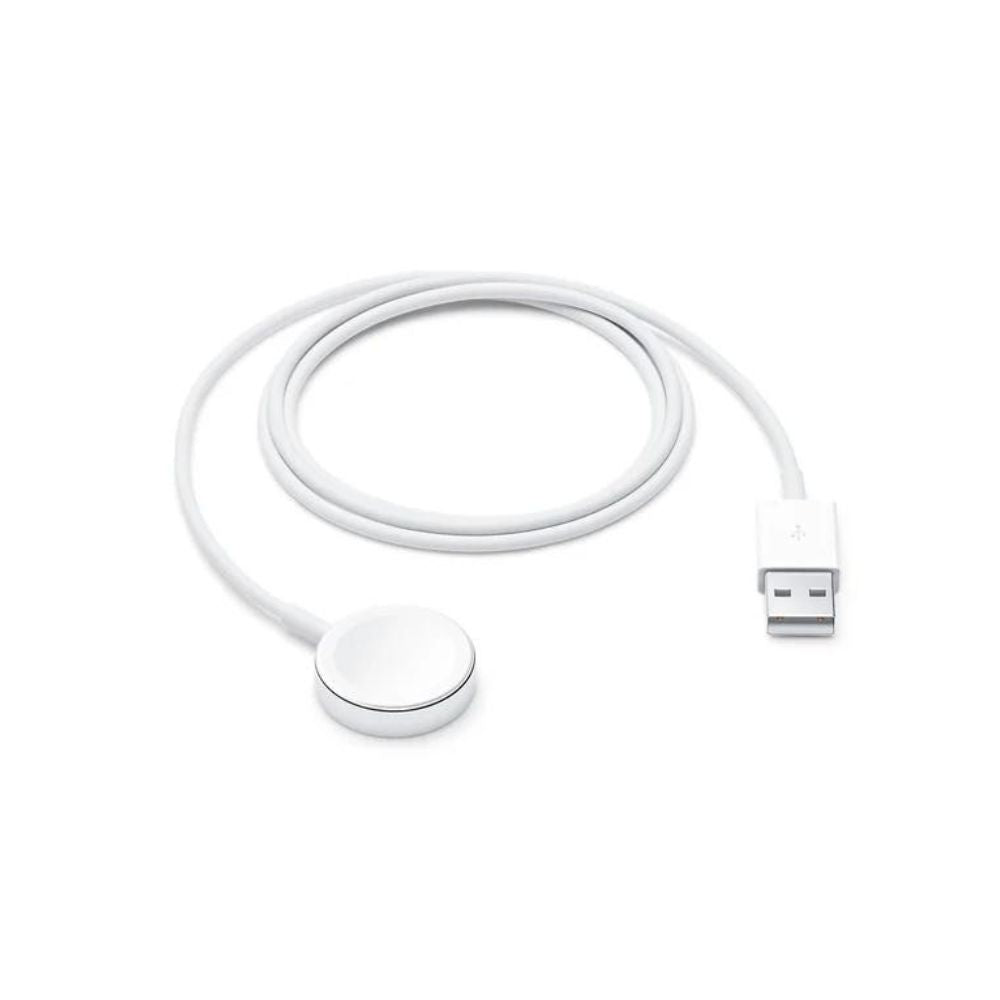
Refurbished devices may not include original packaging, a charging plug or every original accessory. Confirm whether a compatible charging cable is included and budget for any extras you need. Use reputable, compatible charging accessories.
Which refurbished iPhone should you choose?
For everyday use, prioritise a model with the screen size, camera features, storage and software lifespan that suit you. A less expensive cosmetic grade can offer better value if you plan to use a case. Browse our refurbished iPhones to compare available models and conditions. If you prefer Android, compare our Samsung phones; for a larger screen, explore our iPads.
Refurbished iPhone safety checklist
- Read the seller’s testing and grading standards.
- Check battery information and cosmetic condition.
- Confirm the phone is unlocked and Activation Lock is removed.
- Review the warranty and returns policy.
- Choose a model with suitable storage and expected software support.
- Check included accessories and the final delivered price.
A safe refurbished iPhone purchase is less about finding the lowest price and more about getting clear condition information, thorough testing and dependable support. Those checks make it easier to save money without taking an unnecessary risk.